
 Sign in to Mod The Sims
 Leg Size Sliders for All Pets
 Leg Size Sliders for All Pets
MTS has all free content, all the time. Donate to help keep it running.
SCREENSHOTS
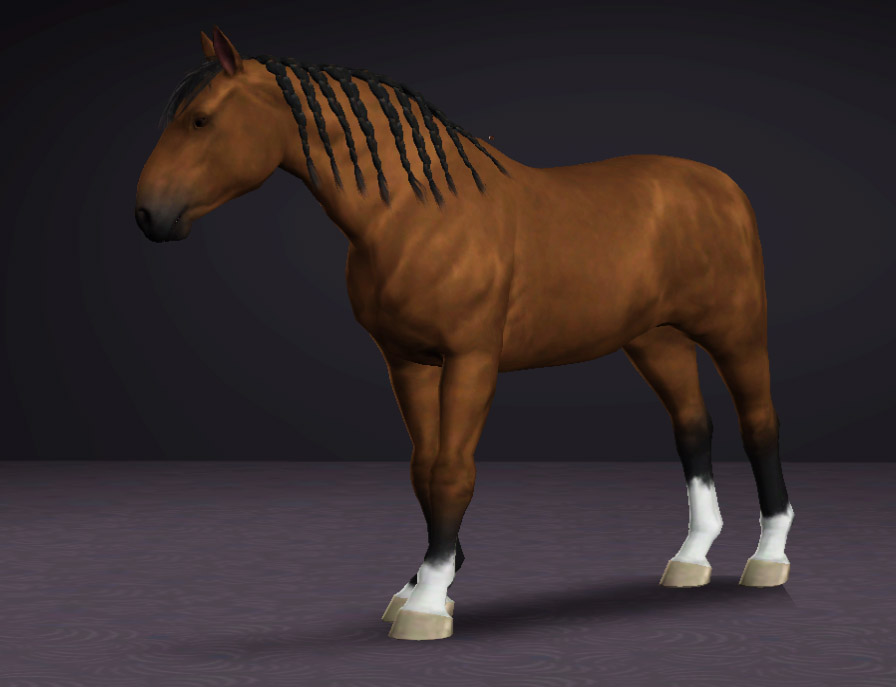


Belgian.jpg - width=896 height=687
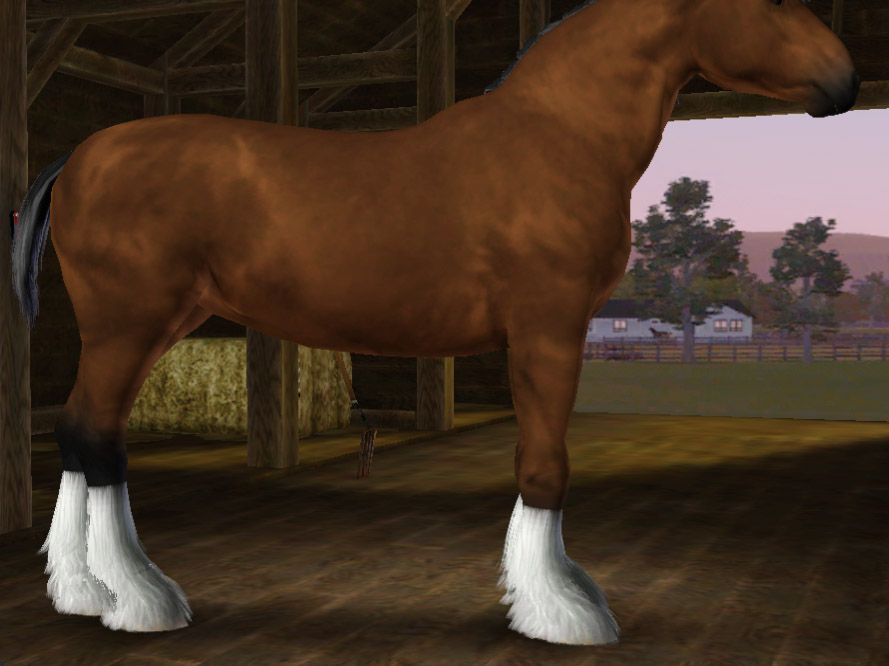
Slider max with feathering.jpg - width=889 height=666
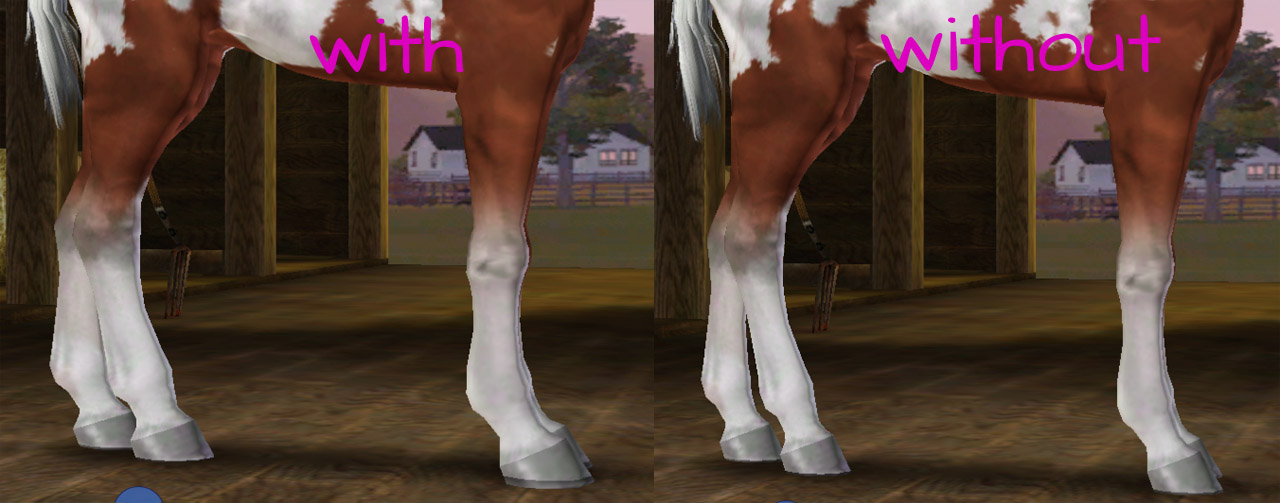
Foal comparison.jpg - width=1280 height=503
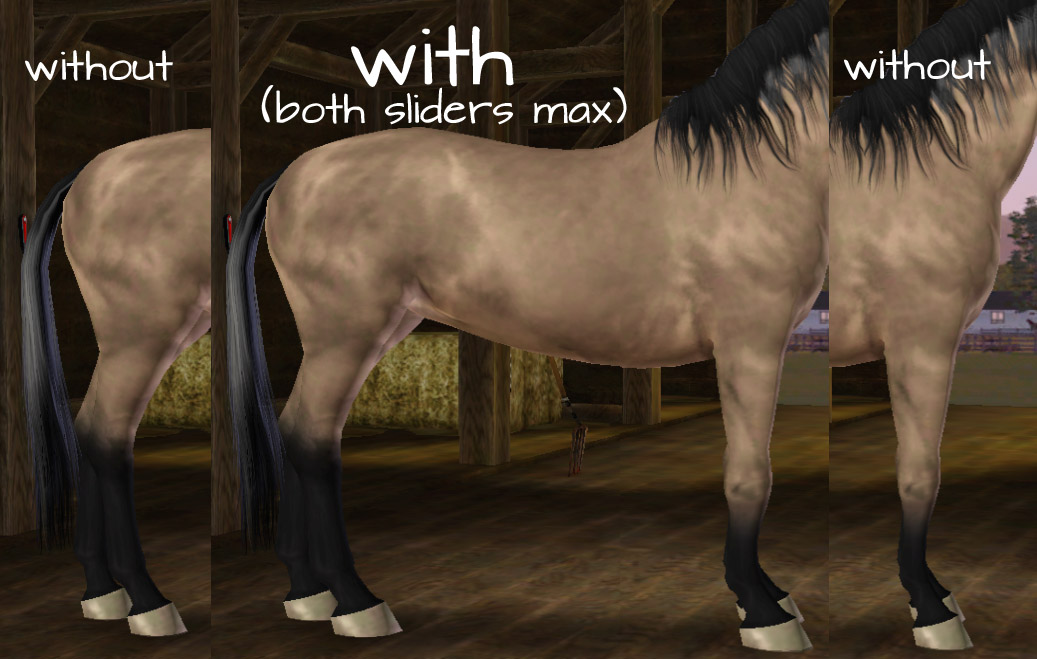
Adult comparison.jpg - width=1037 height=659
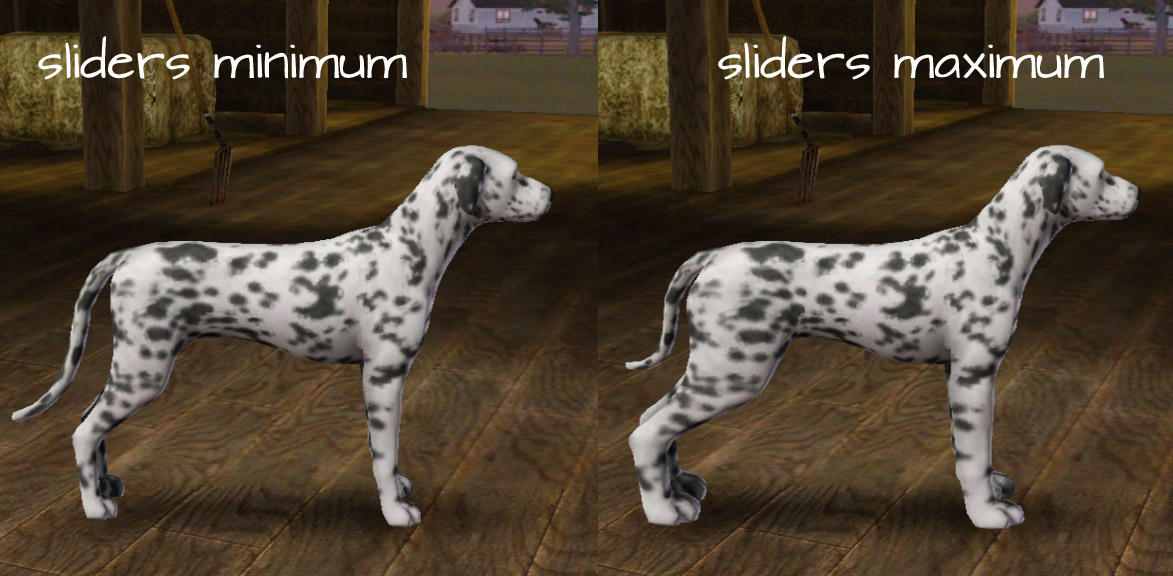
Dog comparison.jpg - width=1173 height=576
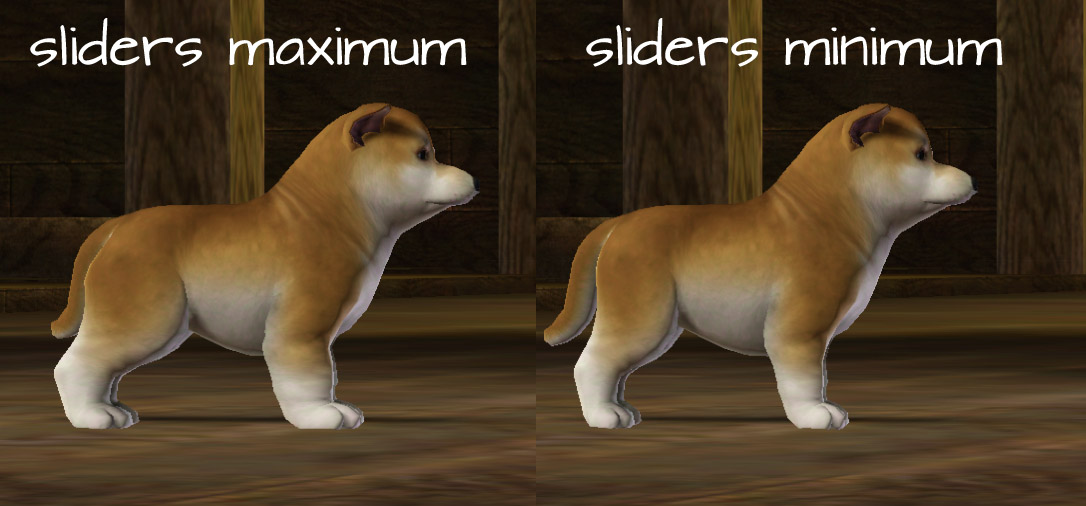
Puppy comparison.jpg - width=1086 height=506
Cat comparison.jpg - width=1280 height=420
Kitten comparison.jpg - width=1280 height=515
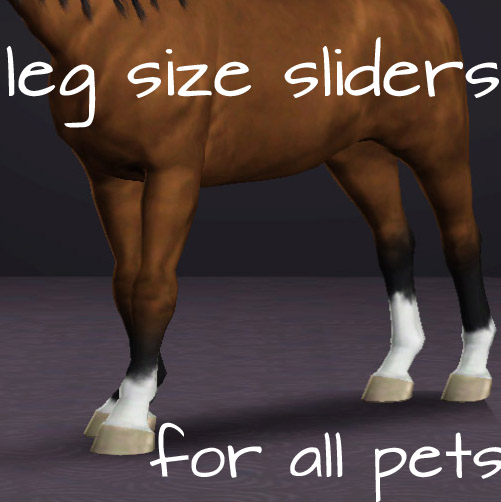
Newthumb.jpg - width=501 height=502


Created by PharaohHound
Uploaded: 27th Jun 2012 at 6:47 PM
Updated: 8th Jun 2013 at 10:58 PM - confirm 1.50 compatible
Updated: 8th Jun 2013 at 10:58 PM - confirm 1.50 compatible
Oh EA, you frustrate me to no end. Horses have no sliders to change their lower leg and hoof size, dogs have a foreleg slider that makes them look like a mutant, and poor cats have nothing at all!
When I saw CmarNYC's new tutorial for making pet body sliders (check that out here), I immediately knew that I had to make these sliders.
Features
Included are 6 separate sliders: Foreleg and Hind Leg adjustments for each species.
Compatibility
Compatible with 1.33 through 1.50.
Built with game version 1.33.
Note for CC Magic/Package merging!
I have had issues with the sliders not appearing if merged when other pet sliders are installed. For CC Magic users, I strongly recommend you install these in the legacy folder (My Documents/EA/Sims 3/Mods/Packages).
Issues
Thanks and Credits
A huge thanks to the amazing CmarNYC. Without her wonderful tutorial, I would have never been able to make this.
Made with S3PE, Delphy's Slider Template tool, Blender, and Delphy's BoneDelta Editor.
When I saw CmarNYC's new tutorial for making pet body sliders (check that out here), I immediately knew that I had to make these sliders.
Features
Included are 6 separate sliders: Foreleg and Hind Leg adjustments for each species.
- Works on all ages, including puppies, kittens and foals
- Dogs and horses: Found in the Legs panel in Create-a-Pet, named Lower Foreleg Scale and Lower Hind Leg Scale
- Cats: Found in the Body panel in Create-a-Pet, named Foreleg Scale and Hind Leg Scale
- Dogs and cats: Sliders allow leg sizes both larger than the EA default, and smaller
- Horses: Sliders allow adjustments larger than the EA default only
- Separate packages for each species, so you can choose which ones you need
- Works correctly with all feathering and hair on the legs
- No clipping with most animations
Compatibility
Compatible with 1.33 through 1.50.
Built with game version 1.33.
Note for CC Magic/Package merging!
I have had issues with the sliders not appearing if merged when other pet sliders are installed. For CC Magic users, I strongly recommend you install these in the legacy folder (My Documents/EA/Sims 3/Mods/Packages).
Issues
- Slight clipping may occur with certain animations, most noticeably when dogs and cats sit down, but it's hard to notice in normal gameplay. Clipping occurs in this game even without my sliders.

- Horses: When set to high values, feathering may clip between the legs (particularly the hind legs).
- Horses: In foals only, the sliders seem to cause a band of darker colour at the bottom of the hoof; I don't know what causes this and haven't been able to fix it, but it's not distracting in normal gameplay.

Thanks and Credits
A huge thanks to the amazing CmarNYC. Without her wonderful tutorial, I would have never been able to make this.
Made with S3PE, Delphy's Slider Template tool, Blender, and Delphy's BoneDelta Editor.
| Filename | Size | Downloads | Date | |||||
|
PharaohHound Pet Leg Scale.zip
Size: 5.8 KB · Downloads: 66,582 · 27th Jun 2012 |
5.8 KB | 66,582 | 27th Jun 2012 | |||||
| For a detailed look at individual files, see the Information tab. | ||||||||
Key:
- - File was updated after upload was posted
Install Instructions
Also Thanked - Users who thanked this download also thanked:
Packs Needed
| Base Game | |
|---|---|
 | Sims 3 |
| Expansion Pack | |
|---|---|
 | Pets |
About My Creations
Policies
I'm pretty chill about stuff overall, with some boundaries:
I'm pretty chill about stuff overall, with some boundaries:
- Please do not reupload my content unmodified anywhere else.
- Do not include my content with lots.
- Don't use any of my content as a base (including pets) or as CC (e.g. patterns used in a lot) in uploads for pay/donation
- If using my pets as a base, please credit me and link back to the original post
- If in the future I create any items worth recolouring, I welcome recolours provided they respect the previous policies.
More Downloads BETA
Here are some more of my downloads: